
Excel 2007 Dashboards and Reports For Dummies


Excel 2007 Dashboards and Reports For Dummies
Regular price
Checking stock...
Regular price
Checking stock...
Summary
What's the use of putting out reports that no one reads? Properly created dashboards are graphical representations that put data in a context for your audience, and they look really cool! How cool? You'll find out when you see the dazzling examples in Excel 2007 Dashboards & Reports For Dummies.
The feel-good place to buy books
- Free delivery in Ireland
- Supporting authors with AuthorSHARE
- 100% recyclable packaging
- Proud to be a B Corp – A Business for good
- Buy-back with Ziffit
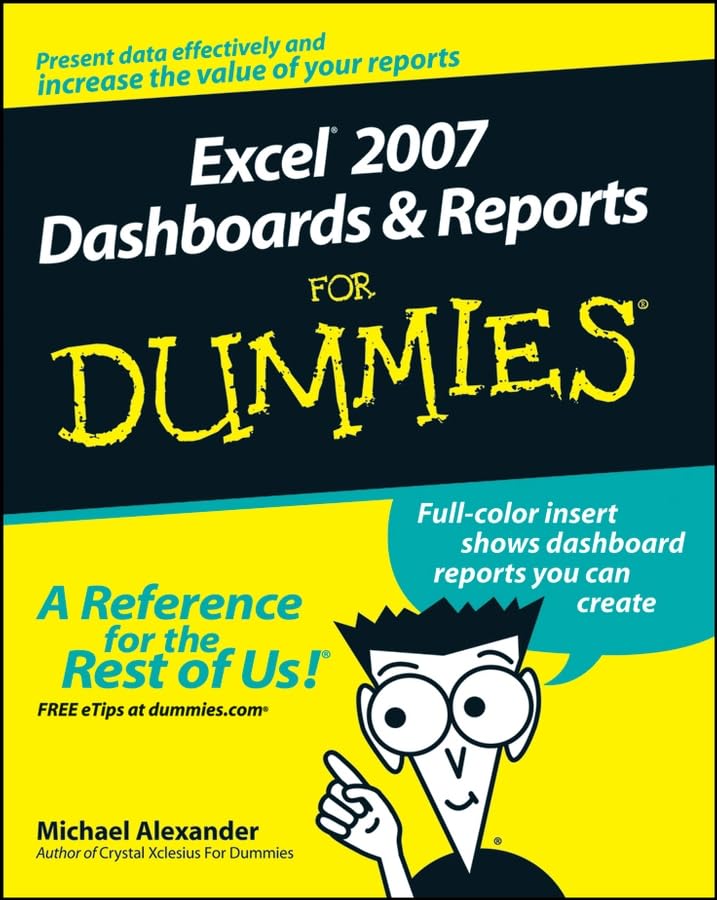
Excel 2007 Dashboards and Reports For Dummies by Michael Alexander
What's the use of putting out reports that no one reads? Properly created dashboards are graphical representations that put data in a context for your audience, and they look really cool! How cool? You'll find out when you see the dazzling examples in Excel 2007 Dashboards & Reports For Dummies. And, before long, everyone's eyes will be riveted to your dashboards and reports too! This revolutionary guide shows you how to turn Excel into your own personal Business Intelligence tool. You'll learn the fundamentals of using Excel 2007 to go beyond simple tables to creating dashboard-studded reports that wow management. Get ready to catch dashboard fever as you find out how to use basic analysis techniques, build advanced dashboard components, implement advanced reporting techniques, and import external date into your Excel reports. Discover how to: Unleash the power of Excel as a business intelligence tool Create dashboards that communicate and get noticed Think about your data in a new way Present data more effectively and increase the value of your reports Create dynamic labels that support visualization Represent time and seasonal trending Group and bucket data Display and measure values versus goals Implement macro-charged reporting Using Excel 2007 as a BI tool is the most cost-efficient way for organizations of any size create powerful and insightful reports and distribute throughout the enterprise. And Excel 2007 Dashboards and Reports for Dummies is the fastest you for you to catch dashboard fever!
Michael Alexander is a Microsoft Certified Application Developer (MCAD) with over 14 years experience consulting and developing office solutions. He is the author/co-author of several books on business analysis using Microsoft Excel and Access. Michael is one of 96 Microsoft Excel MVPs worldwide who has been recognized for his contributions to the Excel community. He is also the principal player behind DataPigTechnologies.com, a site that offers video tutorials to beginning and intermediate Excel and Access users. He currently lives in Frisco, Texas where he works as a Senior Program Manager for a top technology firm. Michael can be contacted at mike@datapigtechnologies.com.
| SKU | Unavailable |
| ISBN 13 | 9780470228142 |
| ISBN 10 | 0470228148 |
| Title | Excel 2007 Dashboards and Reports For Dummies |
| Author | Michael Alexander |
| Condition | Unavailable |
| Binding Type | Paperback |
| Publisher | John Wiley and Sons Ltd |
| Year published | 2008-02-29 |
| Number of pages | 336 |
| Cover note | Book picture is for illustrative purposes only, actual binding, cover or edition may vary. |
| Note | Unavailable |