


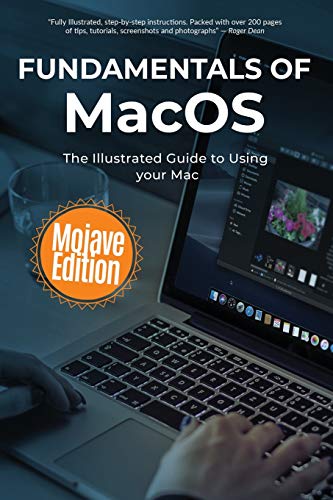
Fundamentals of MacOS Mojave by Kevin Wilson
We've all been there before, staring at a computer screen with no idea what to do - and now there's another update that's just come out.
Whatever the Mac-related task - and whatever your technical ability - Fundamentals of MacOS is here to help. In this guide, Kevin walks you through Apple's flagship operating system one step at a time.
Packed full of tutorials, illustrations and photographs to help you, we'll go through downloading and upgrading to Mojave; new features including dark mode, dynamic desktop, voice memos, news and continuity camera; setting up your Mac for the first time; navigating around your mac with the Dock, Finder, Dashboard, Spotlight, and LaunchPad; using touch gestures on the trackpad, magic mouse, as well as some useful keyboard shortcuts.
We'll try out Handoff, MailDrop, Messages, Universal Clipboard, Auto Unlock, and Apple Pay. We'll get to know Siri and see how she can help. We'll also take a look at security considerations, guarding against malware, and backing with Time Machine.
We'll explore the new AppStore, Apple Books, Maps, iTunes, Photos, as well as take a look at Apple Music. We'll also create some photo albums, slideshows, photo books, greetings cards calendars using the Photos App.


| SKU | Unavailable |
| ISBN 13 | 9781724155573 |
| ISBN 10 | 1724155571 |
| Title | Fundamentals of MacOS Mojave |
| Author | Kevin Wilson |
| Series | Computer Fundamentals |
| Condition | Unavailable |
| Binding Type | Paperback |
| Publisher | Independently Published |
| Year published | 2018-09-29 |
| Number of pages | 248 |
| Cover note | Book picture is for illustrative purposes only, actual binding, cover or edition may vary. |
| Note | Unavailable |