
Microsoft Office for iPad Step by Step


World of Books
The feel-good place to buy books
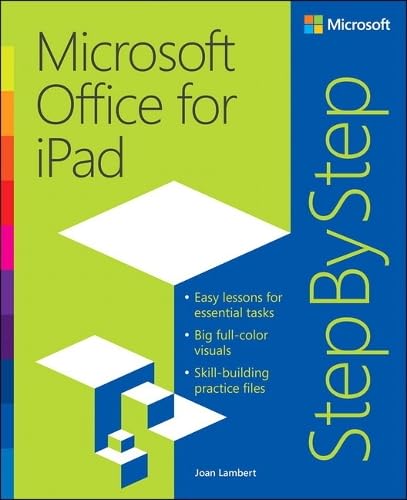
Microsoft Office for iPad Step by Step by Joan Lambert
The quick way to learn Microsoft Word, Excel, PowerPoint, and OneNote for iPad! This is learning made easy. Get productive fast with every Office for iPad app--plus OneNote, too! Jump in wherever you need answers--brisk lessons and colorful screen shots show you exactly what to do, step by step. Quickly create Word documents by tapping, typing, or dictating Organize and design professional documents of all kinds Visually analyze information in tables, charts, and PivotTables Deliver highly effective presentations in PowerPoint straight from your iPad Save and send PDFs, with or without Office 365 Use OneNote to capture and share everything from text to iPad photos Now in full color! Easy lessons for essential tasks Big full-color visuals Skill-building practice files Download your Step by Step practice files at: http://aka.ms/iPadOfficeSBS/files
Joan Lambert has worked closely with Microsoft technologies since 1986 and in the training and certification industry since 1997. As President and CEO of Online Training Solutions, Inc. (OTSI), Joan guides the translation of technical information and requirements into useful, relevant, and measurable resources for people who are seeking certification of their computer skills or who simply want to get things done efficiently.
Joan is the author or coauthor of more than three dozen books about Windows and Office (for the Windows, Mac, and iPad platforms) and three generations of Microsoft Office Specialist certification study guides. Joan is a Microsoft Certified Professional, Microsoft Office Specialist Master (for Office 2013, Office 2010, and Office 2007), Microsoft Certified Technology Specialist (for Windows and Windows Server), Microsoft Certified Technology Associate (for Windows), Microsoft Dynamics Specialist, and Microsoft Certified Trainer.
Joan is the author or coauthor of more than three dozen books about Windows and Office (for the Windows, Mac, and iPad platforms) and three generations of Microsoft Office Specialist certification study guides. Joan is a Microsoft Certified Professional, Microsoft Office Specialist Master (for Office 2013, Office 2010, and Office 2007), Microsoft Certified Technology Specialist (for Windows and Windows Server), Microsoft Certified Technology Associate (for Windows), Microsoft Dynamics Specialist, and Microsoft Certified Trainer.
| SKU | Unavailable |
| ISBN 13 | 9780735696952 |
| ISBN 10 | 0735696950 |
| Title | Microsoft Office for iPad Step by Step |
| Author | Joan Lambert |
| Series | Step By Step Ser |
| Condition | Unavailable |
| Binding Type | Paperback |
| Publisher | Microsoft Press,U.S. |
| Year published | 2015-02-12 |
| Number of pages | 448 |
| Cover note | Book picture is for illustrative purposes only, actual binding, cover or edition may vary. |
| Note | Unavailable |